Languages as backend records
Each language is added, enabled, or disabled from the admin panel.
A white-label short video platform for audiences that do not share one language. Planned scope includes Android and iOS apps, a web build, and an admin panel where interface languages are managed.
Trusted by the brands we build for



A Moj-style app is a short video network built for regions where users expect the interface in their own language. Growth comes from opening one language community after another.
The useful engineering choice is that languages are data, not code. Each language is a record served to the apps with its own translation file, so adding or switching off a locale does not require a new store release.
Planned scope for the standard build. Every item is reviewed in scoping and can be adjusted, dropped, or extended.
Each language is added, enabled, or disabled from the admin panel.
Interface strings are uploaded as a translation file for each language.
Operators choose the language shown on first run.
First-run slides are edited and reordered from admin.
Display currency, report reasons, reserved usernames, and store links are configurable.
Reference configuration. Included modules and custom changes are confirmed in your scope.
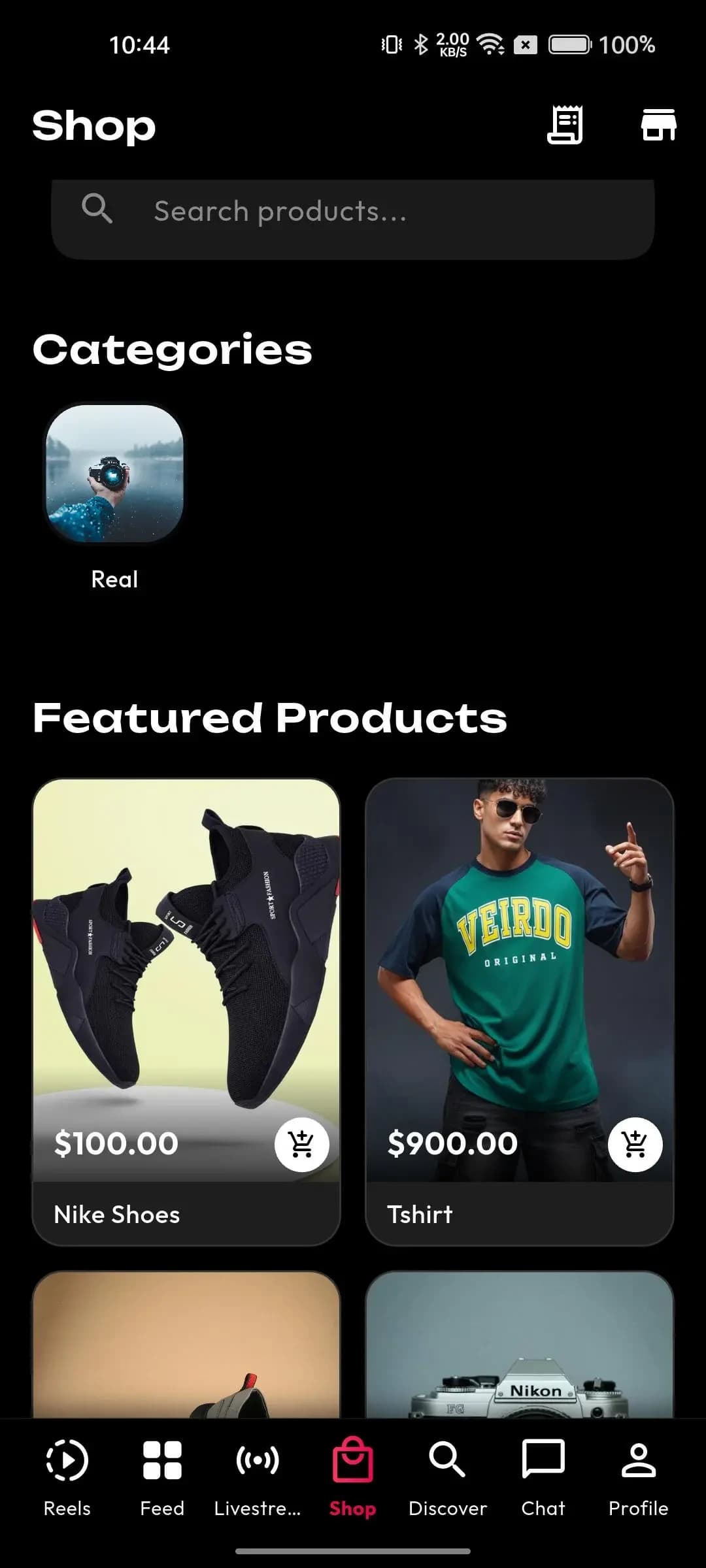
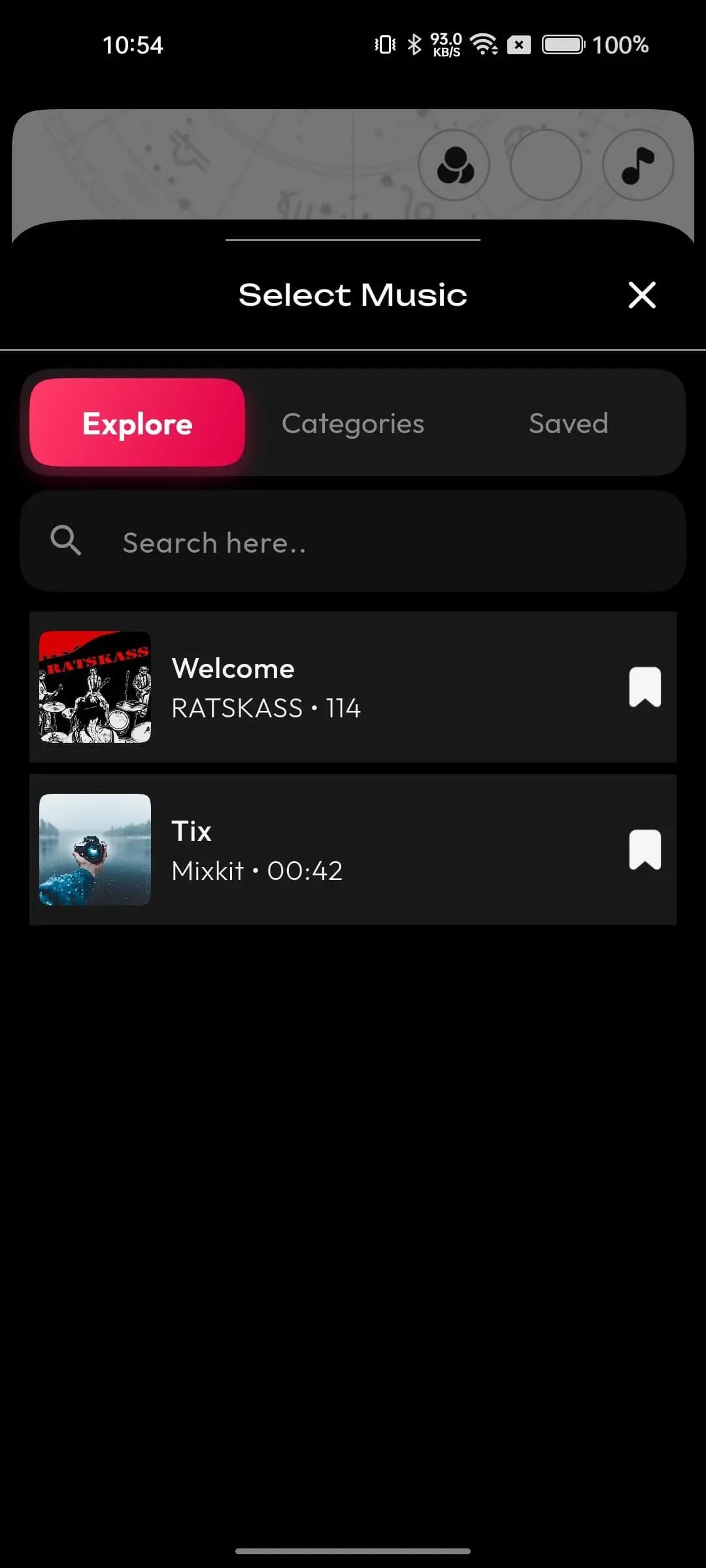
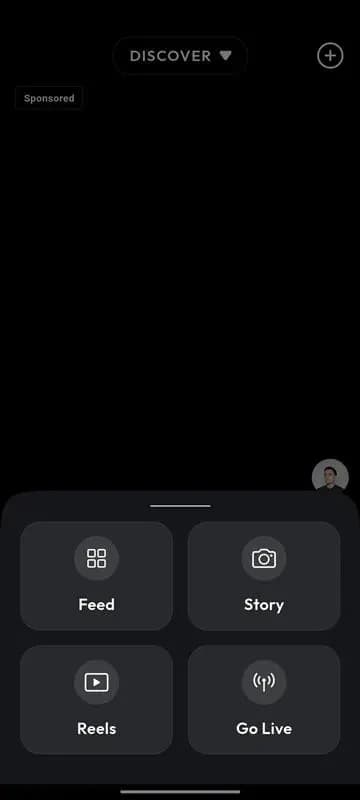
Role panels are configured to your operating model during scoping.
Uses the app in their language.
Publishes for a language audience.
Manages locales and policy.
Confirm included modules, third-party accounts, source-code licensing and support terms in the written scope. Third-party software, APIs and model licenses retain their own terms.
Interface translations for each launch language, reviewed by native speakers.
Developer accounts and any gateway for monetization.
Object storage for video, billed to you.
Rules and report reasons for each region.
Only interface text is translated. Captions and user posts stay in the language they were written in; automatic translation is not part of the scope.
Right-to-left layouts are not covered by the base build and should be scoped if you target Arabic, Hebrew, or Urdu audiences. Per-market content rules or stricter age gates are also quoted separately.
Have a question about your next step? Tell us what you have in mind.
Yes. Add the language and upload its translation file in admin; the apps pick it up without a store update.
See the workflows that matter to your business in a guided product walkthrough.
Book a live demo call and we will walk through the exact flows you care about.
Book a live demoList the languages and regions you want to open first, and we will scope apps, admin, and any right-to-left work.